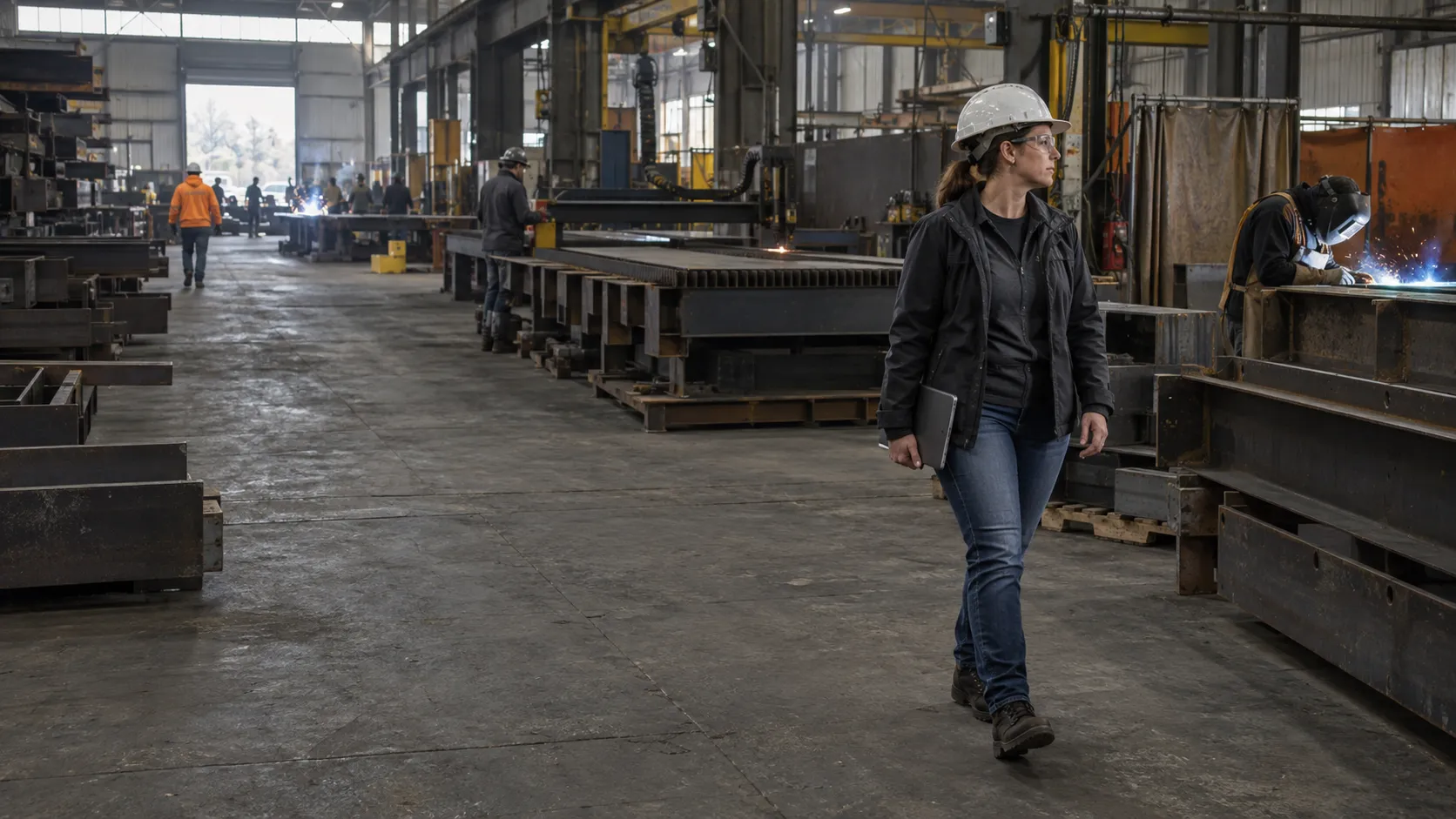
Command keeps one live record for every job.
Command is an AI system for manufacturers whose job status lives in email and spreadsheets. It reads the email, POs, certs, and schedules around each job and keeps one record current, from quote to invoice, next to the ERP you keep. Your people approve every price, date, and commitment.
The scan takes about 3 minutes and estimates the office hours AI could take on. Your report shows on screen.
Your ERP runs a step behind the shop floor.
Order changes, cert requests, and delays arrive by email and phone. Someone updates the ERP later or keeps the real status in a spreadsheet, so the answer to "where is my job?" lives in a few people's heads.
Command does
- Reads email, POs, certs, and drawings for each job
- Updates each job's stage, dates, and documents
- Flags late material, missing certs, and date conflicts
Your people do
- Approve prices, dates, and commitments
- Decide exceptions with the full record in front of them
- Set the rules it follows
Example screen.
Quote, order, material, production, quality, shipping, invoice
Access to your ERP, shared inboxes, and drives, and one owner for each stage
Replace your ERP, change a price, or move a ship date on its own
Questions we hear
What is Command?
Command is one live record for every job, which Movement Global builds around how your company already runs. It covers quote, order, material, production, quality, shipping, and invoice, and AI reads the email and documents around each job to keep that record current.
Does Command replace my ERP?
No. Command connects to the ERP you keep. It covers the work that happens around the ERP in email, spreadsheets, and people's memory, so the job record stops running a step behind.
What does Command connect to?
Command connects to Outlook, Gmail, shared drives, QuickBooks, and the ERP you keep. It reads email, POs, certs, and drawings to keep the job record and schedule current. Access is role-based, and every AI action in Command is logged.
How long does the first Command workflow take?
We build Command in the first 90-day build, which has a fixed scope. Before that, a 4 to 6 week diagnostic maps where jobs stall and picks the first workflow. That workflow goes live only after it passes a test on 50 past jobs and runs in shadow mode (it drafts on live work for two weeks while nothing it makes is sent).
Who makes the decisions when you run on Command?
Your people approve prices, dates, and commitments, decide exceptions with full context, and set the rules Command follows. Command keeps the record current and flags delays and conflicts early so people can act on them.
Other systems we build
See where your team's hours go.
Free, about 3 minutes. It estimates the hours your team spends retyping, and your report shows on screen.